Migration path
Move from spreadsheet-driven nonprofit operations into one shared operating record.
Stop running grants, donors, campaigns, and board prep through exports, tabs, reminders, and memory.
The spreadsheet problem is not the sheet itself. It is the fact that ownership, follow-up, reporting, and history all splinter once the team grows beyond one person keeping everything in their head.
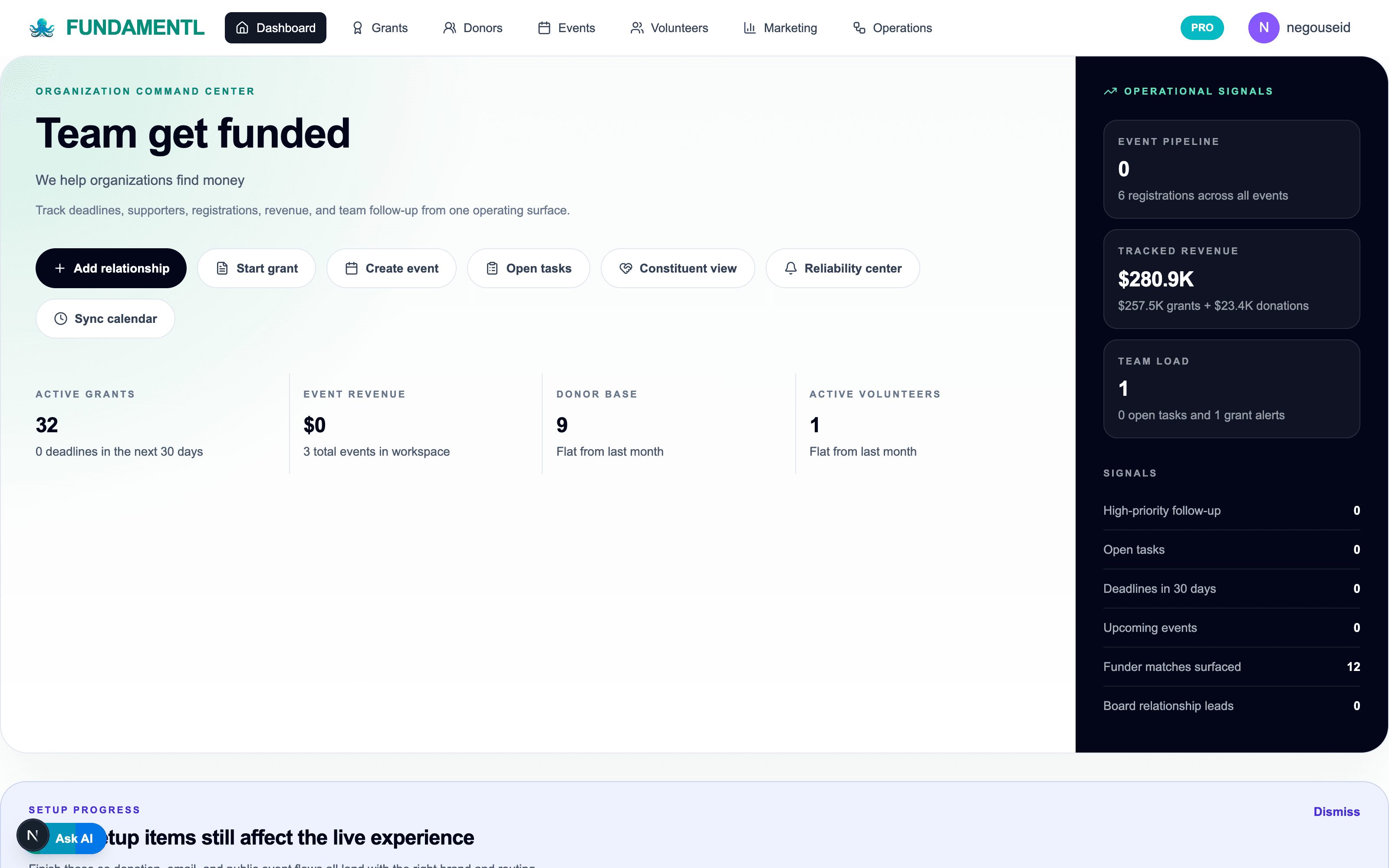
What changes
The next step lives beside the record instead of in a separate note or reminder.
Leadership can read current work without asking for manual rollups.
Grants, donors, and campaigns can stay connected instead of split across tabs.
What transfers cleanly
Live grant trackers, donor lists, and event sheets
Current owners, due dates, and next actions
The operating data the team already updates every week
First 30 days
The switch should reduce drag quickly, not create a long platform detour.
Week 1
Import the live tracker
Bring over the spreadsheet the team is actually working from instead of trying to clean every archive first.
Weeks 2-3
Replace the reminder and follow-up loop
Move due dates, owners, and next actions into the system so the team stops managing them around the record.
Week 4
Turn status checking into shared visibility
Give leadership and staff one place to see what is moving, what is blocked, and what needs attention next.
Best fit
This migration is worth it when the operating model matters more than the old tool’s category.
Organizations where one or two people are still carrying the operating memory
Teams using separate sheets for grants, donors, events, and board prep
Nonprofits that need more coordination without a long implementation project
Questions teams ask
Should we clean all of our spreadsheet data before moving?+
No. Start with the live tracker and the fields the team actually uses every week. Operational relief matters more than archival perfection.
What is the first visible improvement after leaving spreadsheets?+
Ownership and follow-up become clearer. The team should spend less time asking where the latest version lives or who owns the next step.
What makes spreadsheet replacement fail?+
Trying to solve everything at once. Start with one operating workflow and let the team feel the relief before broadening scope.
Next best steps